Back to blog

Posted by Natalia Shuhman
Case Study: Automation of adding courses in foreign languages for the Workfusion Automation Academy
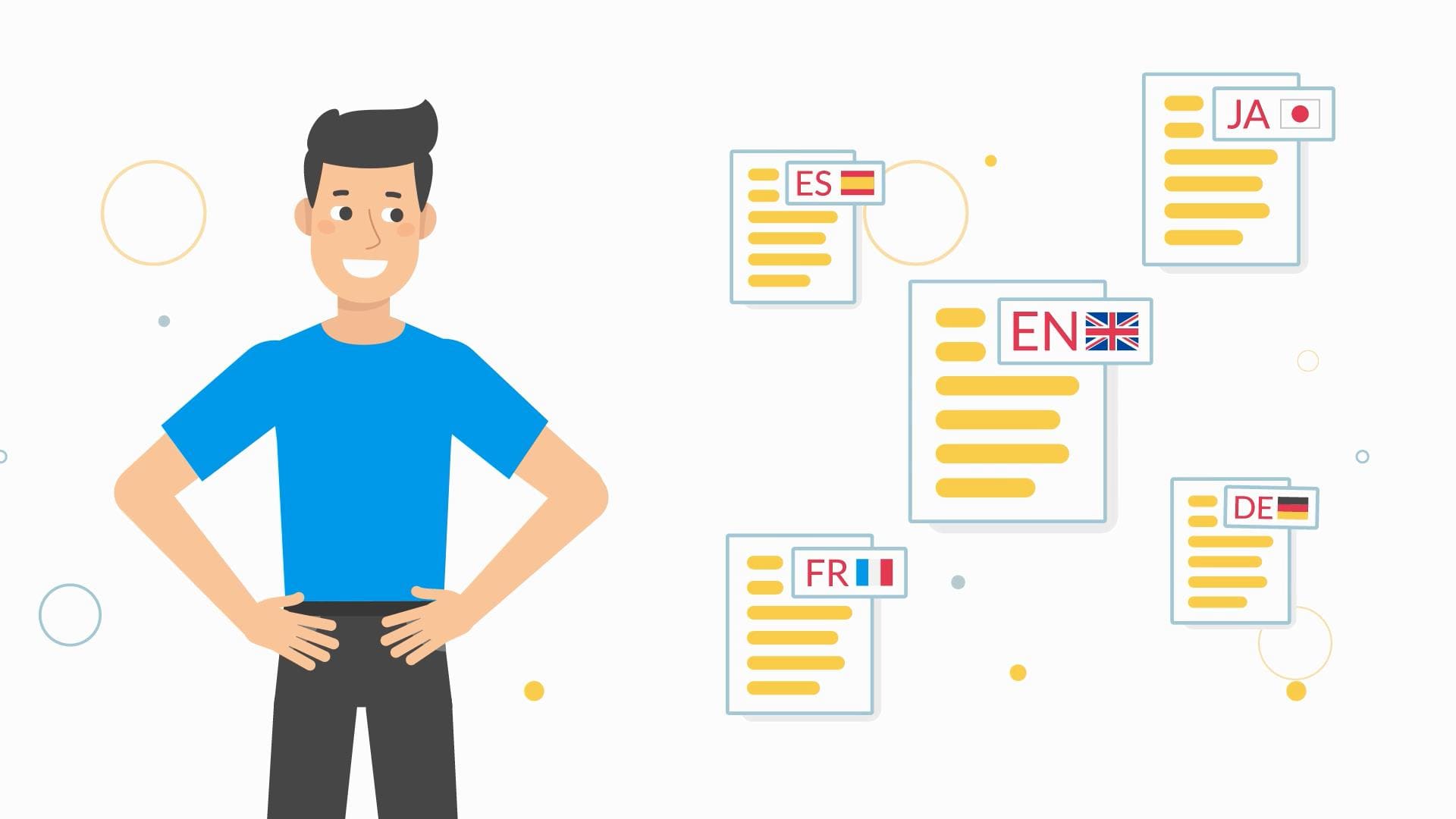
Automation Academy is an online platform for courses on automation, launched by WorkFusion, Inc. Course materials are intended for automation engineers, machine learning engineers, and data analysts, and for those who would like to enter these fields. Automation Academy currently has 30+ courses, 1000+ hours of learning materials, and over 35 thousand students.
The Automation Academy team wanted the courses compiled in English to become accessible as quickly as possible to students who study in Japanese and Spanish.
Project
-
an online learning platform based on LMS Moodle,
-
course content stored in a database,
-
source language: English,
-
target languages: Spanish and Japanese,
-
platform used for translation: CrowdIn,
-
project volume in the source language as of January 2020, excluding hidden strings: over 1.1 million characters,
-
volume of translated content from April 2019 to January 2020: over 9 million characters.
Issue 1: lag between the stages "new course is ready," "translation of the course is ready," and "translated course is available to students"
The content manager had to manually transfer new course content from the online platform on the Moodle base to an online document for the translators, then — once again manually — retrieve the completed translations from the online document.
If changes were made to the original course text after completion of the translations, the changed portion had to be sent for translation separately. And since several people can edit the course at once, the additional burden of tracking changes fell to the content manager.
Issue 2: practical inconvenience of manually adding localized content
Although the user is only shown the course in their desired language, in the Moodle admin panel both the original and the translated course content is located in a single editable field.
The plugin used by the client for multilingual support delineates language blocks with special tags. But from a practical standpoint, placing all the localizations in a single batch of text is inconvenient, especially considering the volume of content and the presence of HTML formatting within the text.
This inconvenience was heightened by the fact that one of the localization languages was Japanese. It was difficult for the content manager, who did not speak Japanese, to monitor whether the content had been distorted after adding the HTML formatting or any other manipulations in the form.
Solution
Here at Alconost we developed a connector for Moodle, which makes it possible to download content in the source language from the client system to CrowdIn, then upload the translated content back to it.
The content offloaded via the plugin is converted to HTML (the source content contains HTML formatting, which must be preserved in the localizations) and sent to the CrowdIn localization management platform. When the translations are ready, the connector receives the localized content from CrowdIn in HTML format, converts it back to a format the plugin can understand, and transfers it via a REST API.
Outcome
The lag issue was resolved via automation. Courses are sent for translation on a schedule, twice daily. The next step after sending is that the completed translations are retrieved. If necessary, any of these operations can be initiated in a single click at any moment. The content manager no longer has to manually transfer thousands of lines, reducing the risk of errors when adding content to zero.
Furthermore, the uploading of any course to CrowdIn can be disabled temporarily, then enabled at any time. For example, if a course is actively being edited, it can be excluded from the courses being translated until work on it is completed. Then the final version of the texts can be offloaded to CrowdIn.
How to apply this yourself
Contact Alconost for solutions to tasks of this type. The engineers at Alconost will integrate the special Moodle Connect plugin into your system, which will convert the courses you select for uploading to the localization platform. There the courses will be translated by professional translators into the languages you require. Next the plugin retrieves the resulting translation, converts it into a format for Moodle, and uploads the localized courses to your system.
Watch a video about how it works:
Make your educational content accessible to users all over the world! Learn more and request a consultation: https://blog.alconost.com/en/moodle-connect.
Want to discuss your project? Book a call with us!
Related articles

No Playbook, No Problem: What Happens When You Trust Your Team with Something New
Game Localization
Success stories
4 minutes read

The Power and Importance of Global Accessibility in Digital Products
Global Markets
8 minutes read
Popular articles
Understanding Machine Translation and Post-Editing: 4 Common Questions
Machine Translation
7 minutes read
Best localization and translation platforms comparison
Apps localization
Nitro
12 minutes read
The Most Popular Languages for Localization in 2021: An Overview from Alconost
Apps localization
Global Markets
14 minutes read
Latest articles
No Playbook, No Problem: What Happens When You Trust Your Team with Something New
Game Localization
Success stories
4 minutes read
AI or Human Translation: Which One Fits Your Project Best?
Machine Translation
4 minutes read
Alconost Releases an Advanced Approach to Game Localization, Helping Developers Save up to 30% on Costs
Game Localization
5 minutes read
Have a project in mind?
We’d like to learn more about it. In return, we’ll get back to you with a solution and a quote.